YOUR PRACTICE, CONNECTED
From your music library to your next practice session.
KeepTrack brings your repertoire and practice into one place, so you can keep track of what you’re learning and return to it with a plan.
01 / Free
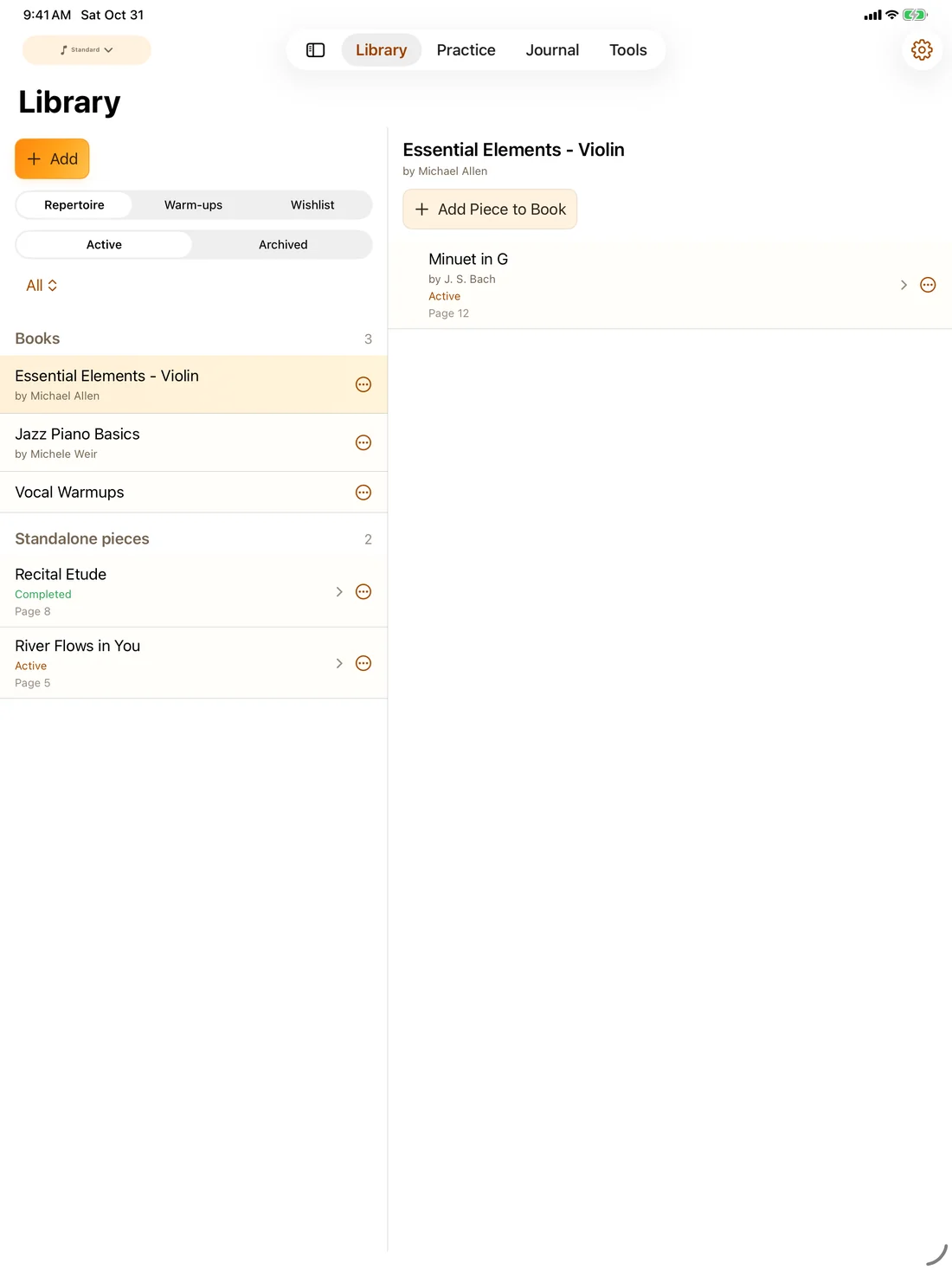
Your pieces and books, organized.
Add the music you’re working on, organize it into books and pieces, and keep track of each piece’s status. There’s no limit on the number of pieces or books in your library.
App screenshot · English interface
02 / Free basic reports
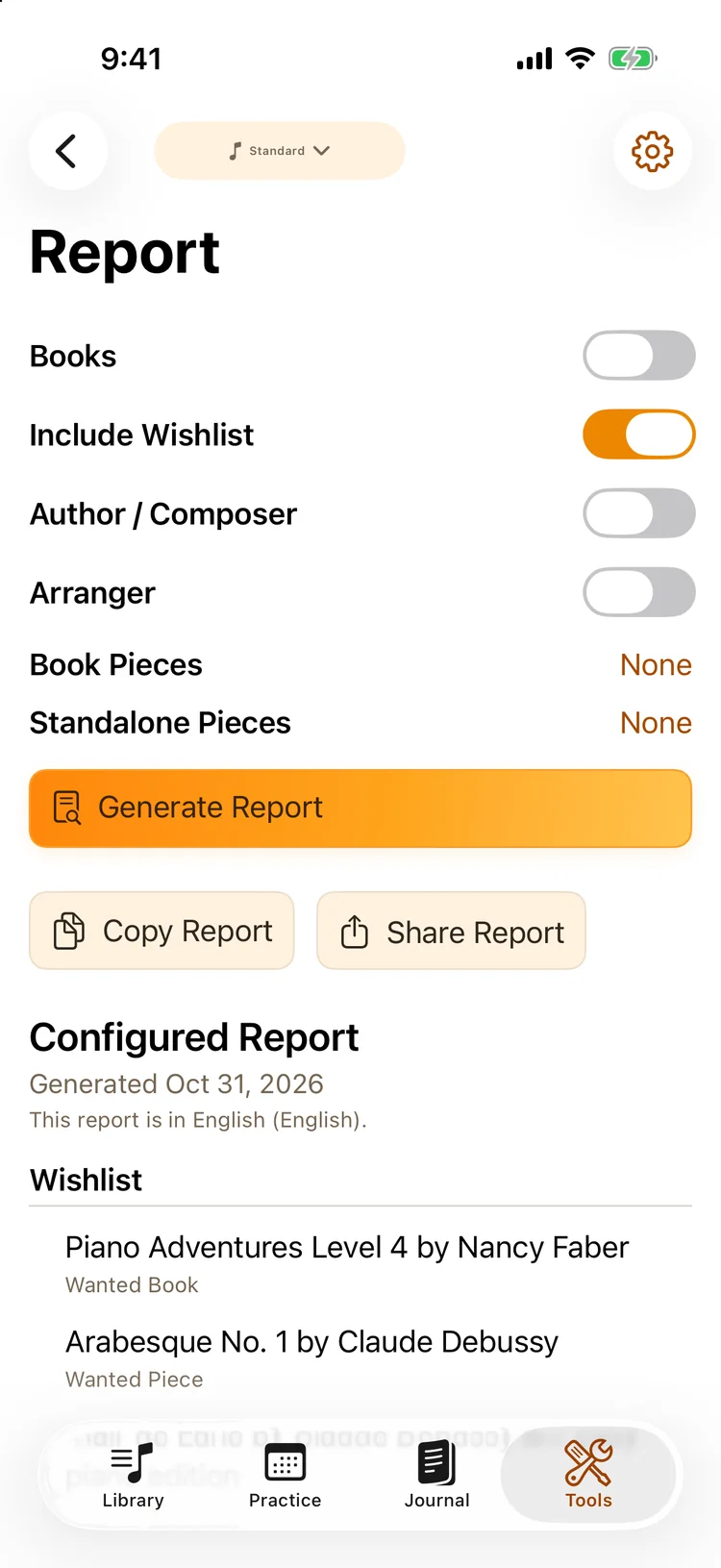
Bring a clear overview to your next lesson.
Prepare a repertoire report from your library. Review it before copying or sharing it with your teacher, so you can discuss what you have and what you’d like to work on.
App screenshot · English interface
03 / Premium
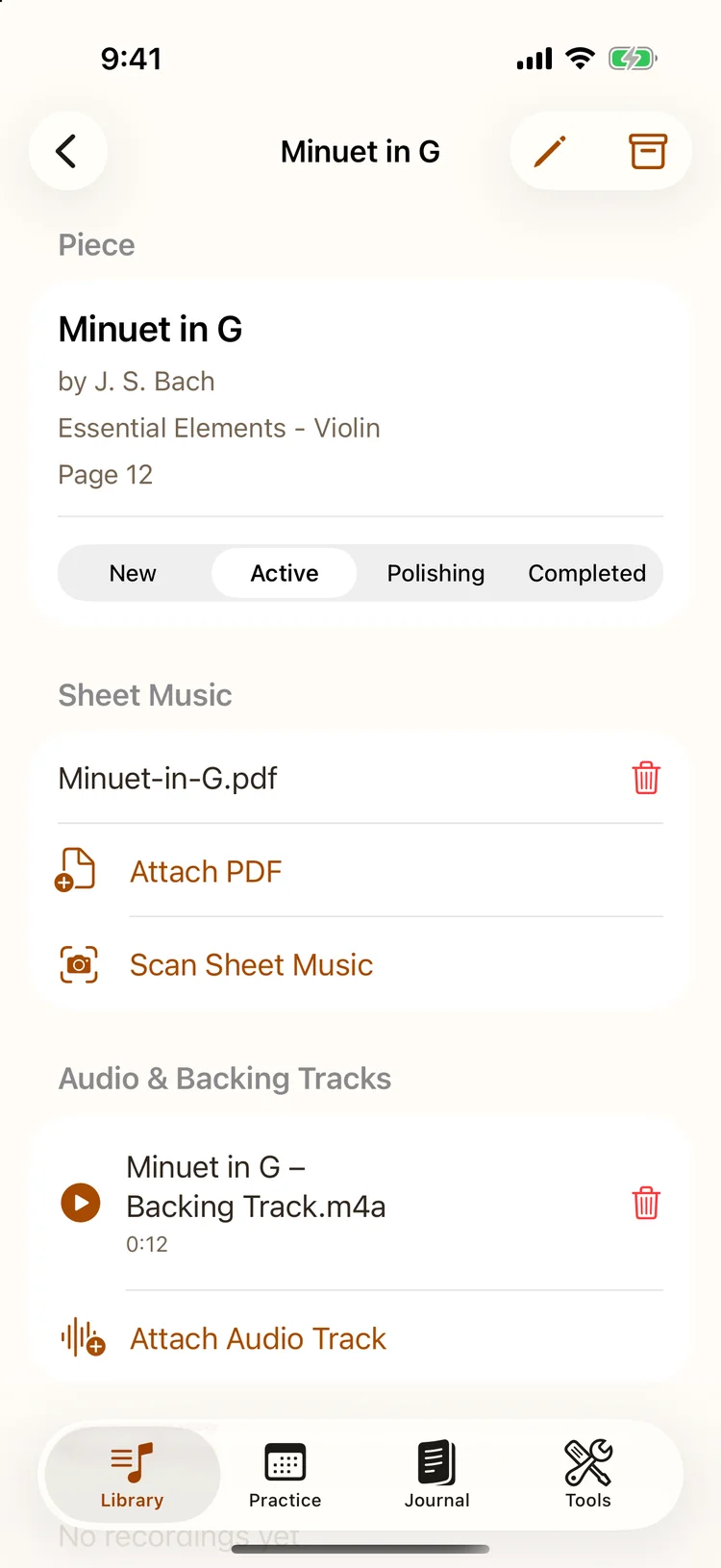
Keep the materials with the music.
Scan your paper sheet music directly into KeepTrack, or add your existing digital scores. Keep your sheet music, backing tracks and recordings with the relevant piece, so everything is ready when you sit down to practice.
Bring your own materials. KeepTrack helps you organize them.
App screenshot · English interface
04 / Premium
Plan a session around the time you have.
Set aside time for warm-up and work on your pieces. Follow the phases during practice, with suggestions for suitable pieces as you move to the next part of the session.
Use the metronome alongside your practice when you want to work on timing.
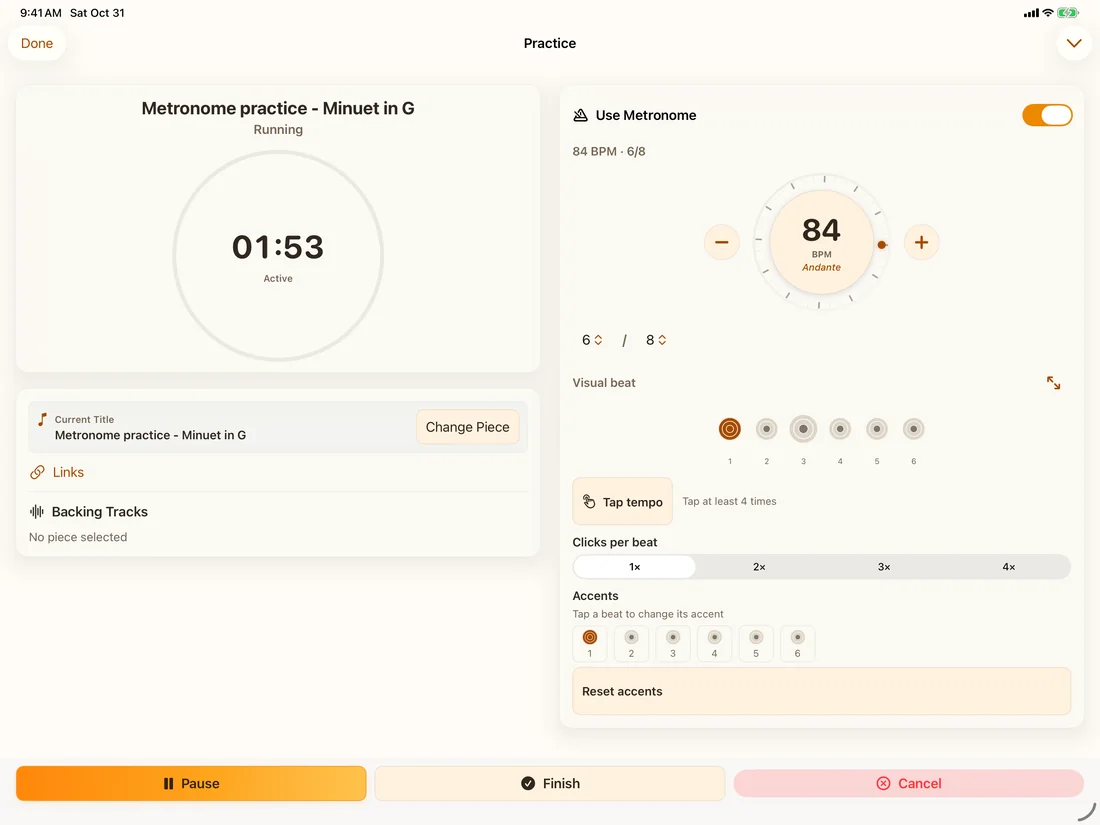
App screenshot · English interface
05 / Premium
Look back with more than a feeling.
Review your practice time and the time spent on individual pieces. Listen to recordings from different stages of learning and hear what has changed.
The statistics track your practice; they don’t grade your musicianship.
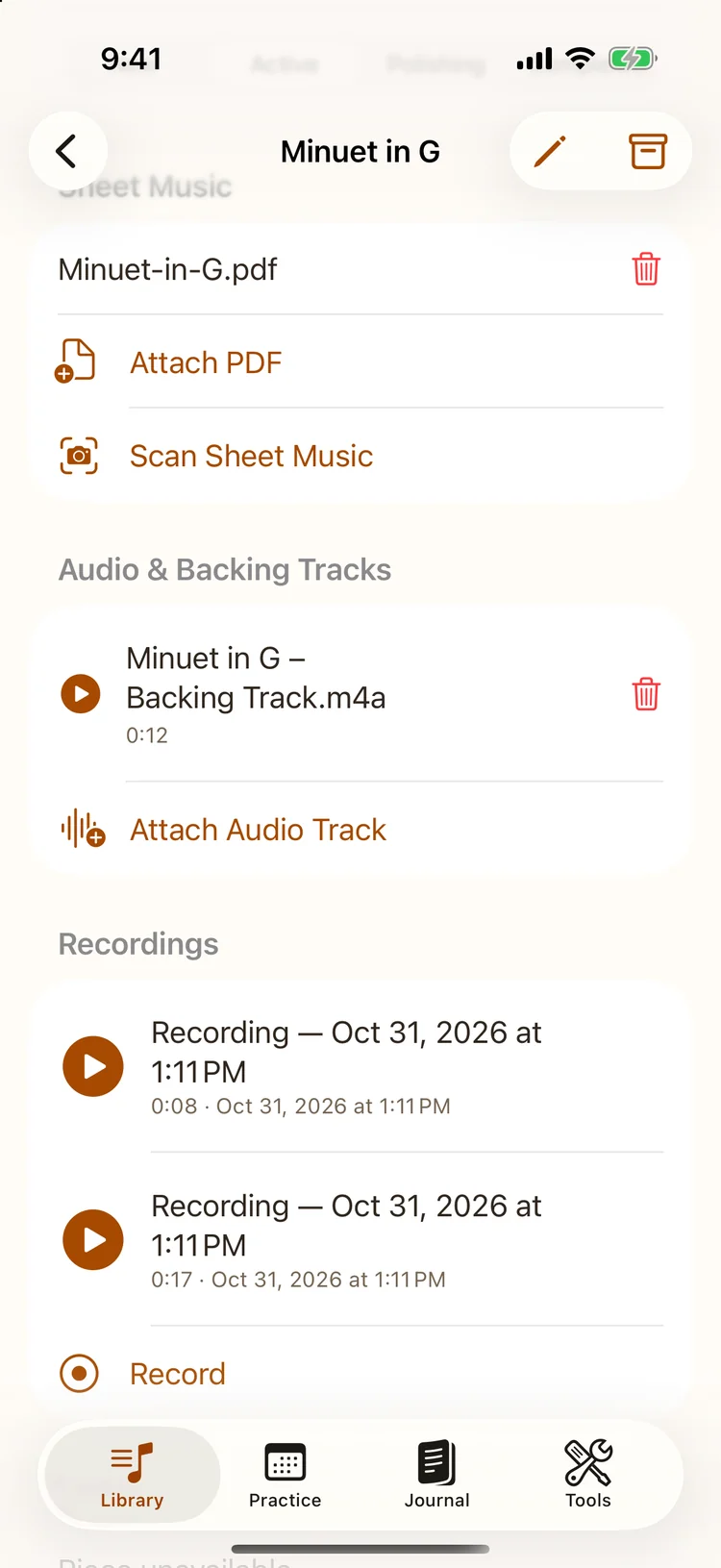
App screenshot · English interface
06 / Easy mode free · Advanced modes with Premium
Get more familiar with written notes.
Use short note-recognition rounds to practice reading notation. Start with Easy mode and choose a greater challenge when you’re ready.
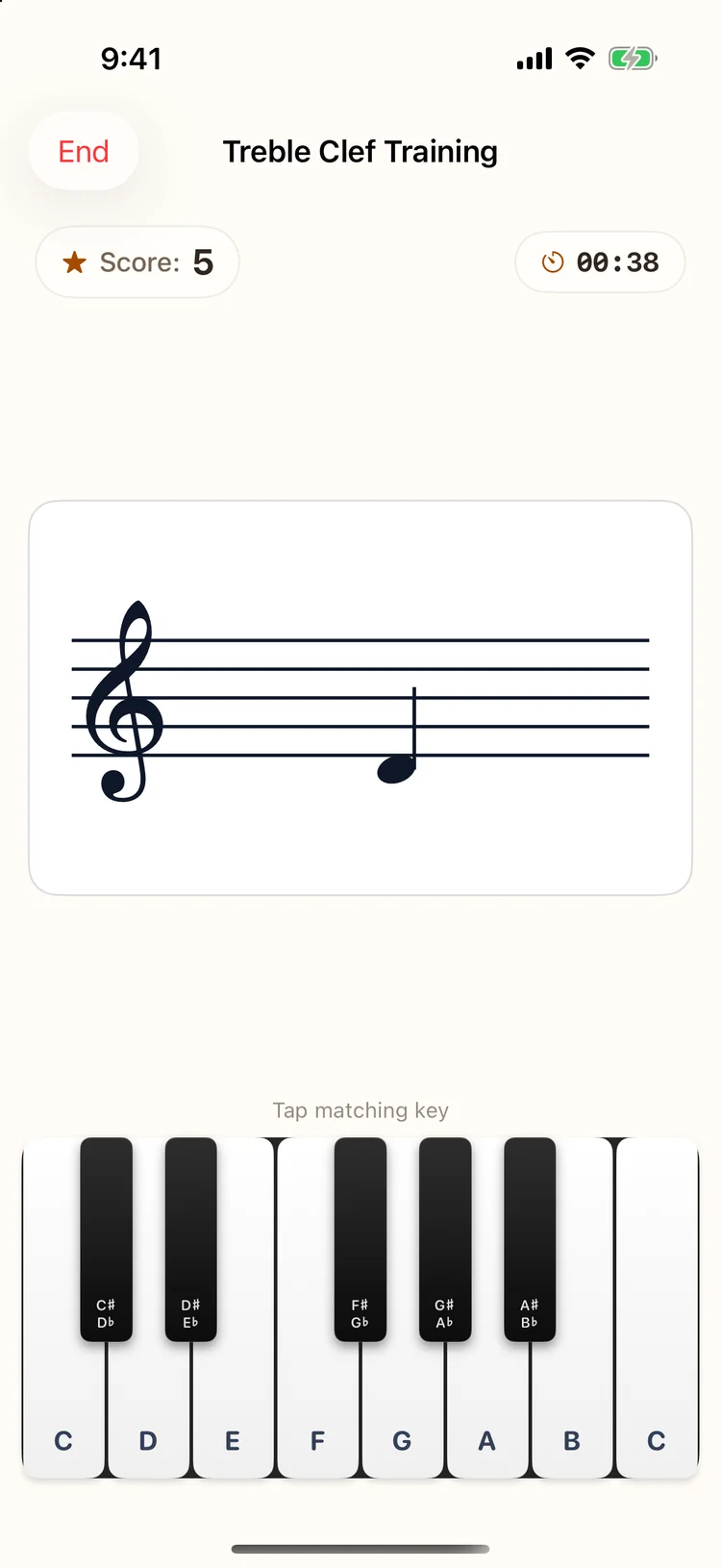
App screenshot · English interface
YOUR MUSIC. YOUR PACE.
Make time for your music.
Download for iPhone & iPad ↗Free to download. Premium features available.